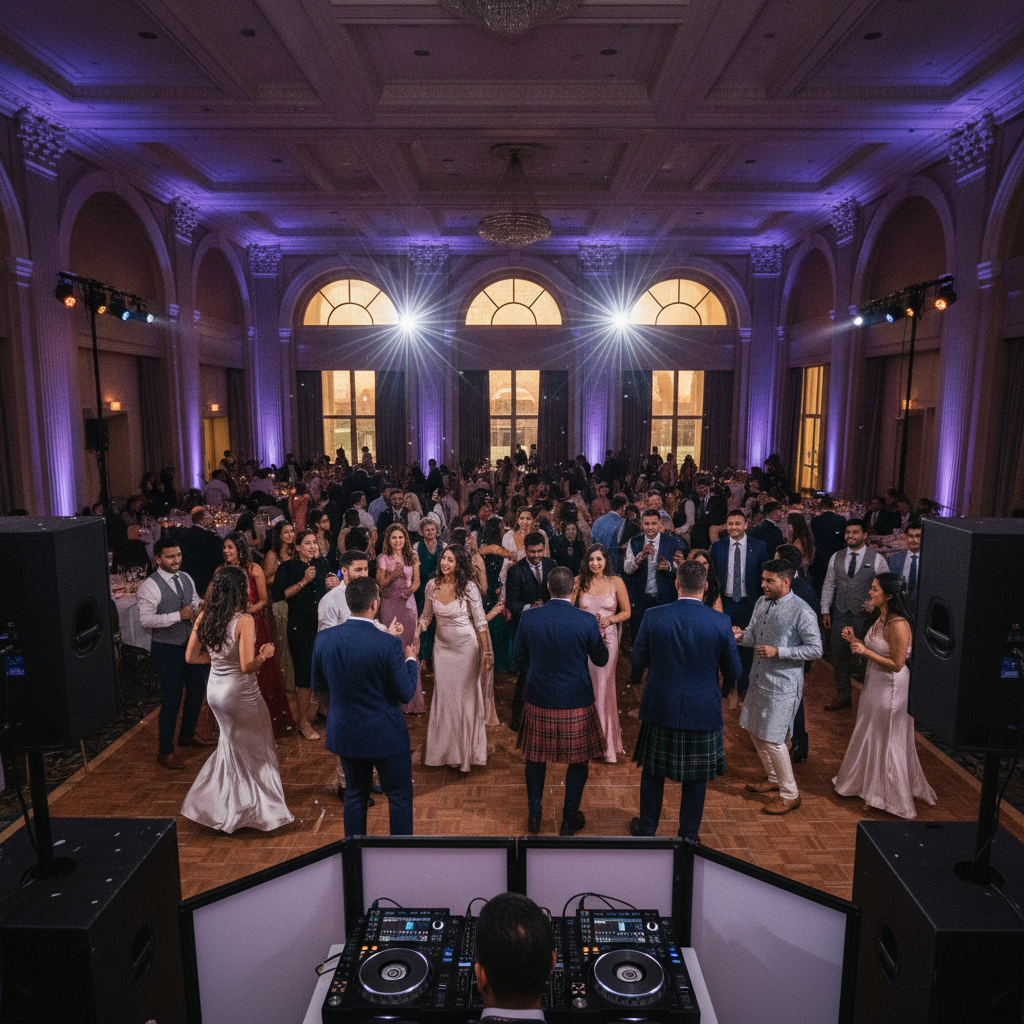
Wedding Sound System Checklist in Oakville: Avoid Dead Air
Oakville wedding sound system checklist with real specs, lived tips, and South Asian additions—baraat, dhol, and multilingual MCs—so your night never goes silent.
A wedding sound system checklist is the step‑by‑step plan that keeps vows, entrances, speeches, and the dance floor crystal clear without awkward silence. For Oakville couples, it includes outdoor baraat audio, multilingual MC handoffs, and venue‑approved special effects so every moment lands exactly on cue.
By B-Town Entertainment • Last updated: 2026-07-12
| Service area | Oakville and the Greater Toronto Area |
|---|---|
| Built for | South Asian & multicultural weddings (Punjabi, Bollywood, Hip‑Hop, Top 40) |
| On‑site services | DJ, MC hosting, Sound & Lighting, Live Dhol, Décor, Photo/Video, Special Effects |
| Booking | Instant quote request + planning calls |
Oakville insider tip
Oakville flips run tight. We pre‑wire a reception DJ booth with dual playback and keep a dedicated ceremony PA on separate power. That way, your officiant’s mic fades to cocktail music while our team rolls straight into entrances—no re‑patching, no silence, no stress.
Overview: Your Wedding Sound System Checklist at a Glance
Map sound to your timeline: ceremony, cocktail, entrances, speeches, first dances, and open dance. Use distributed speakers for even coverage, 2–4 wireless mics with backups, labeled cabling, and a UPS on critical gear. For Oakville, plan a mobile baraat rig and pre‑approved effect cues.
Here’s how we translate that into what guests actually feel: vows carry gently to the back row, the room erupts when the dhol hits the drop, and the dance floor stays full because the beat never cuts out.
What a Wedding Sound System Checklist Actually Covers (and What Most Lists Miss)
A complete checklist covers gear, power, wireless frequencies, placement, and cue sheets for every moment. Most generic lists skip South Asian formats—live dhol, baraat processions, and multilingual MC handoffs—which are standard for Oakville couples we serve weekly.
- Timeline-first: Segment the day (ceremony → cocktail → reception) with cues for each transition.
- Coverage goals: Dinner at ~72–76 dBA; dance floor at ~92–96 dBA; even volume front‑to‑back.
- Wireless plan: 2–4 coordinated channels, scanned before doors; spare capsules and batteries ready.
- Power & protection: UPS (1000–1500 VA) on mixer/DJ rig; conditioned power for speakers.
- Live elements: Dhol mic strategy indoors, playback handoffs, and monitors for performers.
Mini case: At an Oakville reception, a toast mic started to hiss as phones filled the room. Our tech swapped to a pre‑scanned backup frequency between sentences—grandma heard every word, and the moment stayed intact.
The Core Equipment Checklist: What Every Wedding Needs
Count on a ceremony PA, a reception PA with subwoofers, a DJ controller and mixer, 2+ handheld mics and a lav, a DJ monitor, DI inputs, an audio recorder, labeled cabling, and a UPS. Place speakers for even coverage; test cues before guests enter.
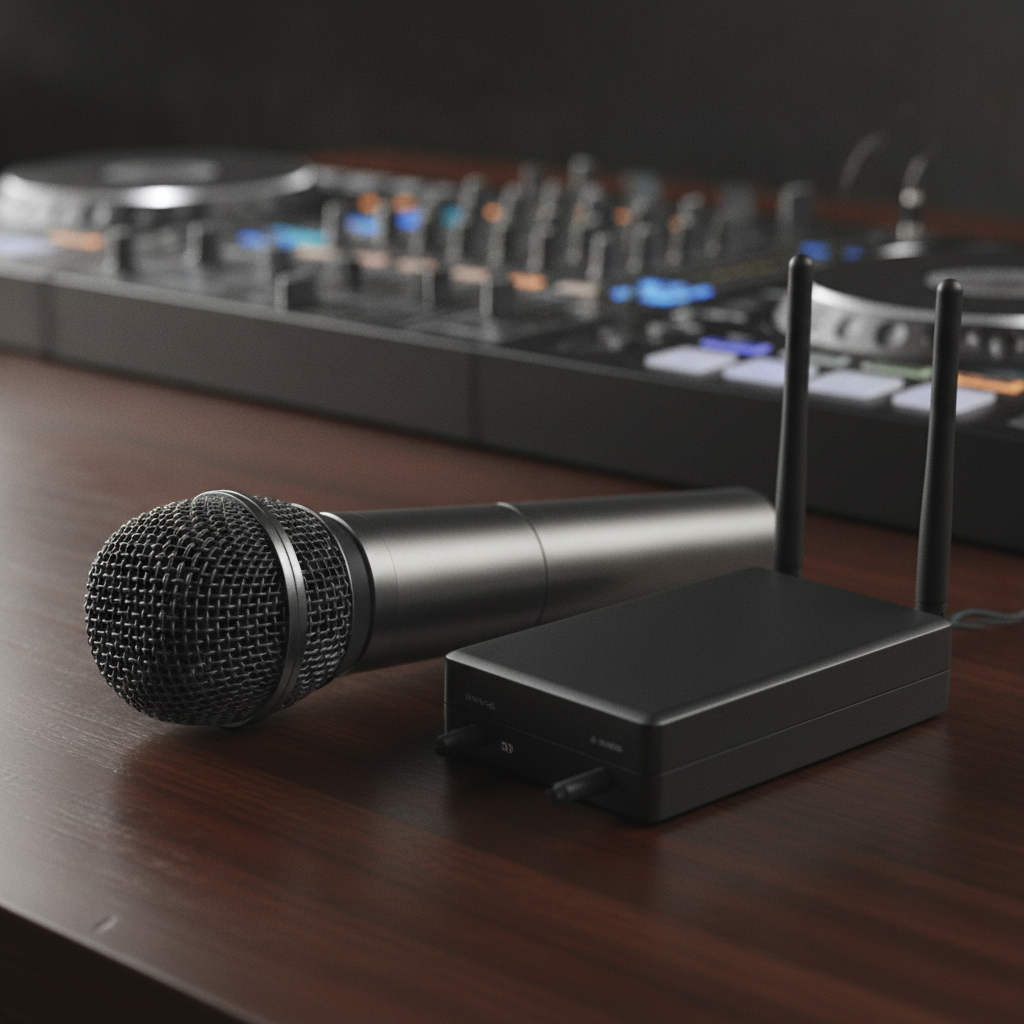
Reception sound that feels great on the floor
- Main PA: For ~150–220 guests, two 12–15" tops on stands aimed across the room (not at tables).
- Subwoofers: One or two 18" subs near the dance floor for punch without muddy vocals.
- DJ booth: Controller + mixer with clean cable looms; dual laptops mirrored for redundancy.
- DJ monitor: A nearfield speaker so mixes stay tight even when the floor gets loud.
Speech‑ready microphone kit
- Two handhelds + one lav: Toasts, MC, and officiant covered; add a spare where needed.
- Frequency strategy: Pre‑event scan; keep a second coordinated pair hot‑swappable.
- Battery rotation: Fresh cells before doors; swap at intermission.
Signal flow, recording, and protection
- DI boxes: For phone playback and keys; avoid noisy mini‑jack adapters.
- Recorder: Capture clean speeches for your highlight film audio.
- UPS (1000–1500 VA): Keeps mixer/DJ live through momentary power dips.
Our Sound & Lighting team brings labeled looms, spare mics, and a pre‑built booth so setup is fast and the look stays clean.
Multicultural & South Asian Wedding Sound Additions (Baraat, Dhol, Grand Entrances)
Add a battery‑powered speaker for the baraat, headroom for live dhol, extra handhelds for multilingual MCs, and locked‑in entrance cues that sync with effects. Plan the handoff from outdoor procession to indoor reception so the energy never drops.
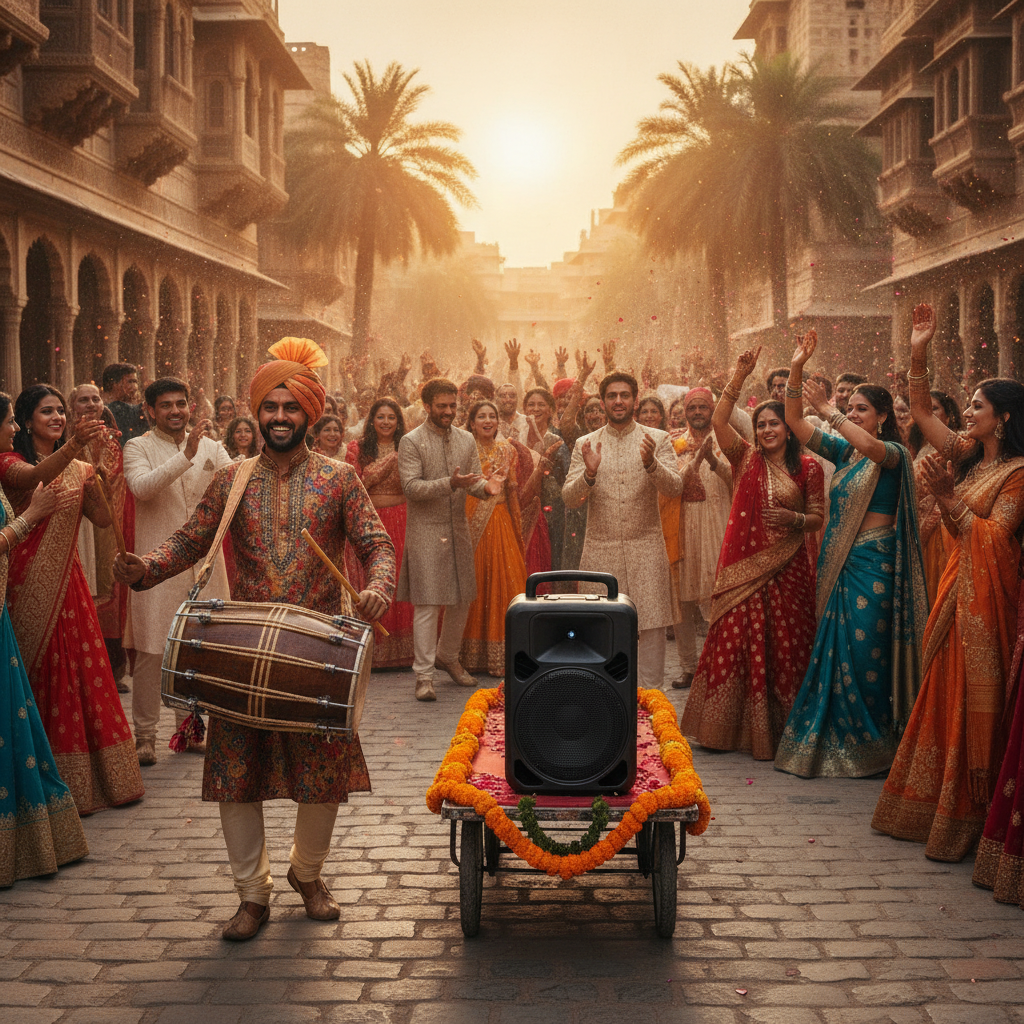
- Baraat audio: Compact battery speaker on a cart; mirrored playlist on two devices; quick aux/Bluetooth handoff.
- Dhol integration: Indoor mic only if needed; pad and high‑pass to prevent clipping and rumble.
- Entrance cues: Family processional → couple drop; our MC calls cues as we fire effects on beat.
- Multilingual segments: Extra handheld for Hindi/Punjabi/English; scripted transitions with the MC.
Field story: An outdoor baraat in Oakville hit sudden cloud cover and wind. Our mobile rig ran a 2000W pure‑sine inverter on a separate circuit with weather covers. The dhol popped, guests cheered, and we rolled indoors without a single dead spot.
These moves are standard in our Wedding Experience and above, and pair with MC hosting and live dhol support.
| Segment | Coverage goal | Key gear | Common pitfall |
|---|---|---|---|
| Ceremony | Clear vows to back row (~70–74 dBA) | 2 small tops, lav for officiant, backup handheld | Wind noise; fix with lav windscreens |
| Entrances | Impact then quick duck for cheers | DJ controller, subs, MC handheld | Missed cue; prevent with cue sheets |
| Dance floor | Punchy low end (~92–96 dBA) | 2 tops + 1–2 18" subs, DJ monitor | Hotspots; solve with speaker placement |
| Baraat | Mobile sound that keeps moving | Battery speaker, dhol, mirrored playback | Power drop; solve with inverter/backup |
Venue-Specific Considerations for GTA Wedding Spaces
Match the rig to the room. In Oakville banquet halls, use distributed speakers and controlled subs to avoid harsh tables. Outdoors, add windscreens and portable power. Pre‑approve cold sparks and dry ice placement with the venue to keep effects safe and on cue.
Room shape, ceilings, and timelines drive decisions. We advance the venue with a diagram and lock arrival times so audio is photo‑ready before décor touch‑ups.
- Coverage: Two to four mains for even front‑to‑back volume without blasting the nearest tables.
- Outdoor vows: Lav windscreens; a backup handheld; weather covers; quiet power where needed.
- Flip logistics: Keep ceremony and reception PAs separate so teardown never delays entrances.
- Effects: Align cold sparklers and dry ice with venue policies; confirm placement and timing.
Local considerations for Oakville
- Plan earlier soundchecks—many Oakville venues release pre‑function areas to guests right on time.
- Waterfront breezes are real; we stage windscreens and keep gains conservative to protect vows.
- Some rooms request moderated bass during speeches; we map sub levels to keep clarity and impact.
See how we set rooms in our event gallery and what couples say in client reviews.
How to Vet Your Audio Provider: Questions to Ask Before You Book
Ask for a gear list, diagram, timeline, and wireless plan. Confirm backups, arrival times, and how they handle baraat, dhol, and multilingual MCs. Reliable teams label cables, scan frequencies, and soundcheck all mics before guests arrive.
- Redundancy: “What’s your backup if a mic dies or a laptop freezes?” (We run dual playback and spare mics.)
- Wireless: “How do you prevent interference during speeches?” (Pre‑scans and coordinated channels.)
- Run‑of‑show: “Who owns the cue sheet for entrances and effect moments?” (Our DJ and MC share it.)
- Arrival & soundcheck: “When is the system show‑ready relative to photo and décor?”
- Live elements: “How do you balance dhol with tracks indoors without distortion?”
Our FAQ outlines these steps, and our planning call locks them before the week‑of timeline. Ready to map yours? Book a planning call.
Common Sound Setup Mistakes and How to Avoid Them
Avoid one‑mic setups, poor speaker placement, no UPS, and unplanned handoffs. Separate ceremony and reception systems, place speakers for even coverage, keep backups ready, and assign a lead tech to manage cues and wireless.
- One‑mic trap: Use two handhelds for toasts and a lav for the officiant; keep a spare ready.
- Poor placement: Aim across the room; avoid blasting the nearest tables and creating hotspots.
- No protection: A 1000–1500 VA UPS on the DJ/mixer prevents mid‑song dropouts.
- No recorder: Capture speeches for film; you can’t “fix” missing audio in post.
Lesson learned: Years ago, a mobile speaker at an Oakville baraat ran off a shared outlet and tripped. Now we always bring a dedicated inverter and mirror playback. The cheer never dips; the groove never breaks.
FAQ
Here are quick answers Oakville couples ask most about wedding audio: mic counts, ceremony vs. reception sound, outdoor plans, and special effects approvals.
How many microphones do we need for a typical reception?
Plan for at least two wireless handhelds for toasts and announcements plus one lavalier for your ceremony officiant. Add a spare handheld for multilingual MC segments. We pre‑scan frequencies and rotate fresh batteries before doors to avoid interference.
What’s the difference between ceremony and reception sound?
Ceremony sound focuses on speech clarity at gentle volume using lavs and small tops. Reception sound adds subwoofers and distributed speakers so music feels full without harshness. We keep systems separate so flips are fast and reliable.
How do you handle outdoor baraat or windy ceremonies?
We use a compact battery speaker with mirrored playback, weather covers, and lav windscreens. A backup handheld stays ready if wind overwhelms a clip‑on mic. The handoff to indoor sound is pre‑cued so the energy continues seamlessly.
Can cold sparks and dry ice be used at Oakville venues?
Often yes. We submit effect details early and align on placement, timing, and ventilation. Our DJ, MC, and effects tech call cues together so the visuals land on entrances and first dances without interrupting audio flow.
Want one team to own DJ, MC, sound, dhol, and effects under one plan? Explore our customizable packages and on‑site services.
Why this guide differs from generic lists
General wedding checklists rarely cover wireless plans, mobile baraat rigs, or dhol handoffs. Our Oakville work requires all three. Compare broad planning posts and venue package summaries—you’ll see why culturally fluent audio planning matters.
Many broad planning write‑ups emphasize décor over signal flow, as seen in this decor checklist overview and this venue operations checklist. Even venue package summaries seldom specify mic counts or speaker placement. That’s the gap we close.
Key takeaways
- Plan audio by segment with clear cues and backups.
- Use 2–4 wireless channels with a pre‑scanned backup.
- Target gentle levels for dinner and impactful—but clean—levels on the floor.
- For Oakville, prepare a mobile baraat rig and confirm effect approvals.
- Assign a lead tech to own wireless, cues, and problem‑solving in real time.